3. Integrated Development Environments (IDEs)
Overview and setup for the main Python development environments: VS Code, Jupyter Notebook, PyCharm, and Google Colab.
What is an IDE (Integrated Development Environment)?
An IDE is an all-in-one software application that combines code editing, error highlighting, interactive debugging, and terminal execution under one single window.
Four Main Parts of an IDE
- Source Code Editor: Color codes Python keywords, automatically manages indentation, and highlights syntax errors.
- Interpreter & Runner: Executes your code with 1 click without opening external command prompts.
- Interactive Debugger: Allows stepping through code line-by-line to inspect live dosage values.
- Package Manager: Installs scientific libraries like NumPy, SciPy, and Matplotlib.
Visual Studio Code (VS Code)
Developed by Microsoft, VS Code is the most popular free code editor. It is lightweight, fast, and supports Python through the official Microsoft extension.
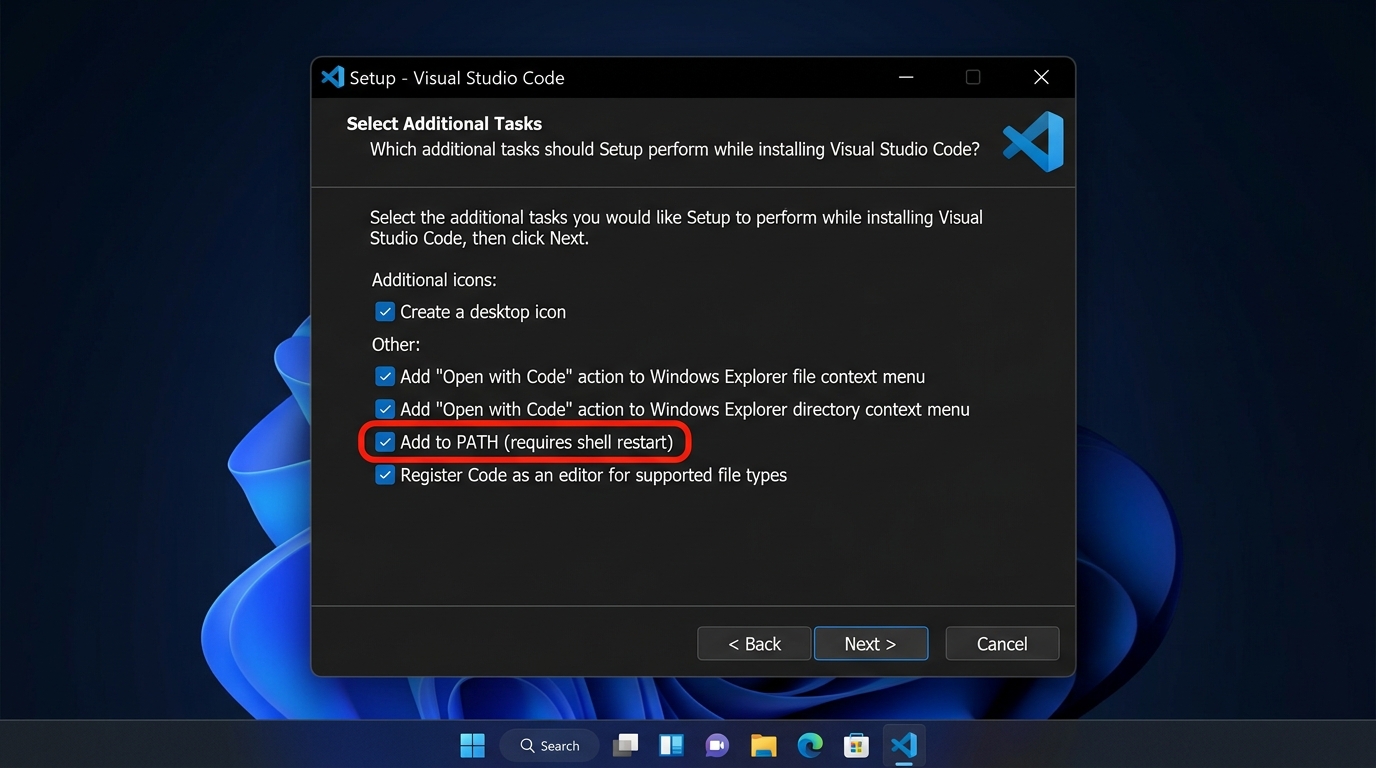
Step-by-Step Setup Guide for VS Code
Download VSCodeUserSetup-x64 from code.visualstudio.com.
Ensure "Add to PATH" & "Open with Code" checkboxes are ticked before clicking Next.
Open VS Code, press Ctrl+Shift+X, search Python (Microsoft) & install.
Jupyter Notebook / JupyterLab
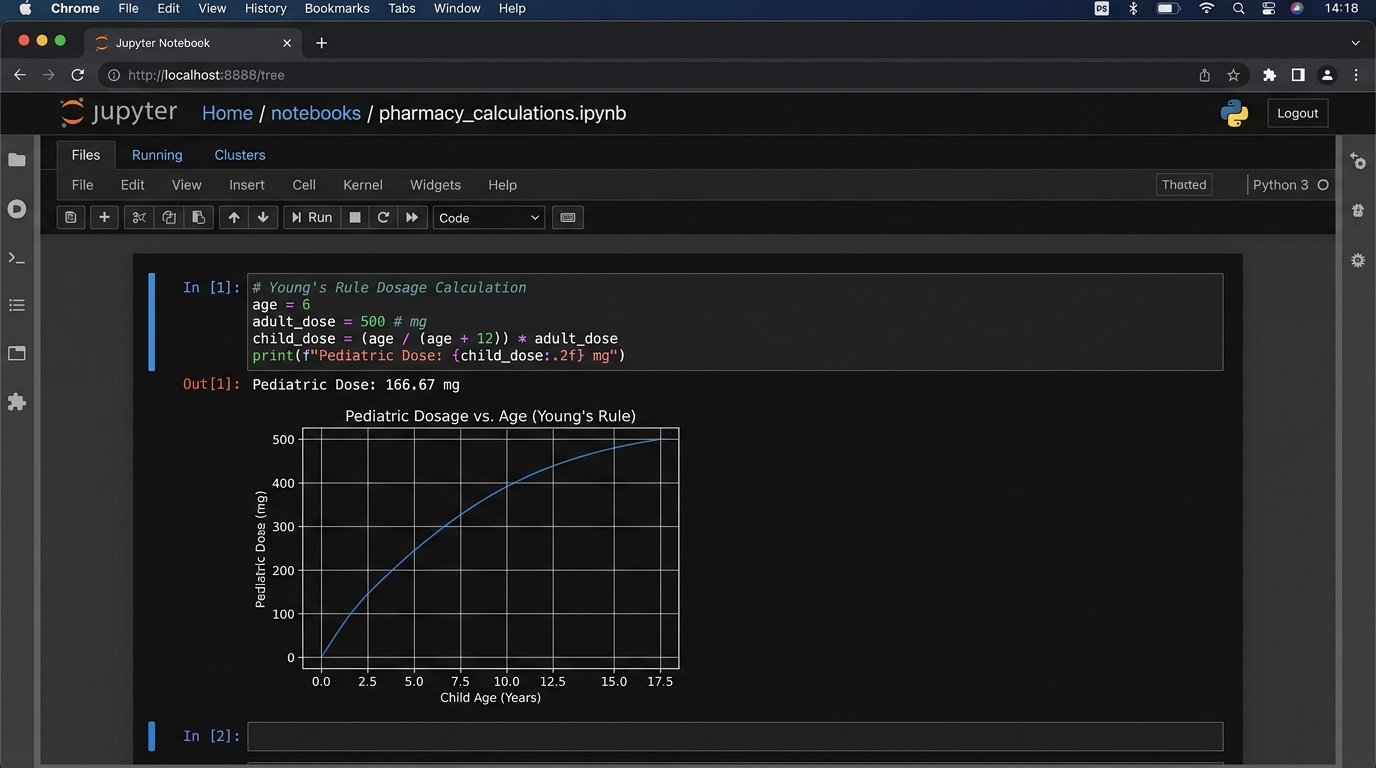
Jupyter Notebook is ideal for pharmacokinetic curve plotting and data analysis. You run code cell-by-cell and graphs render immediately inside the notebook.
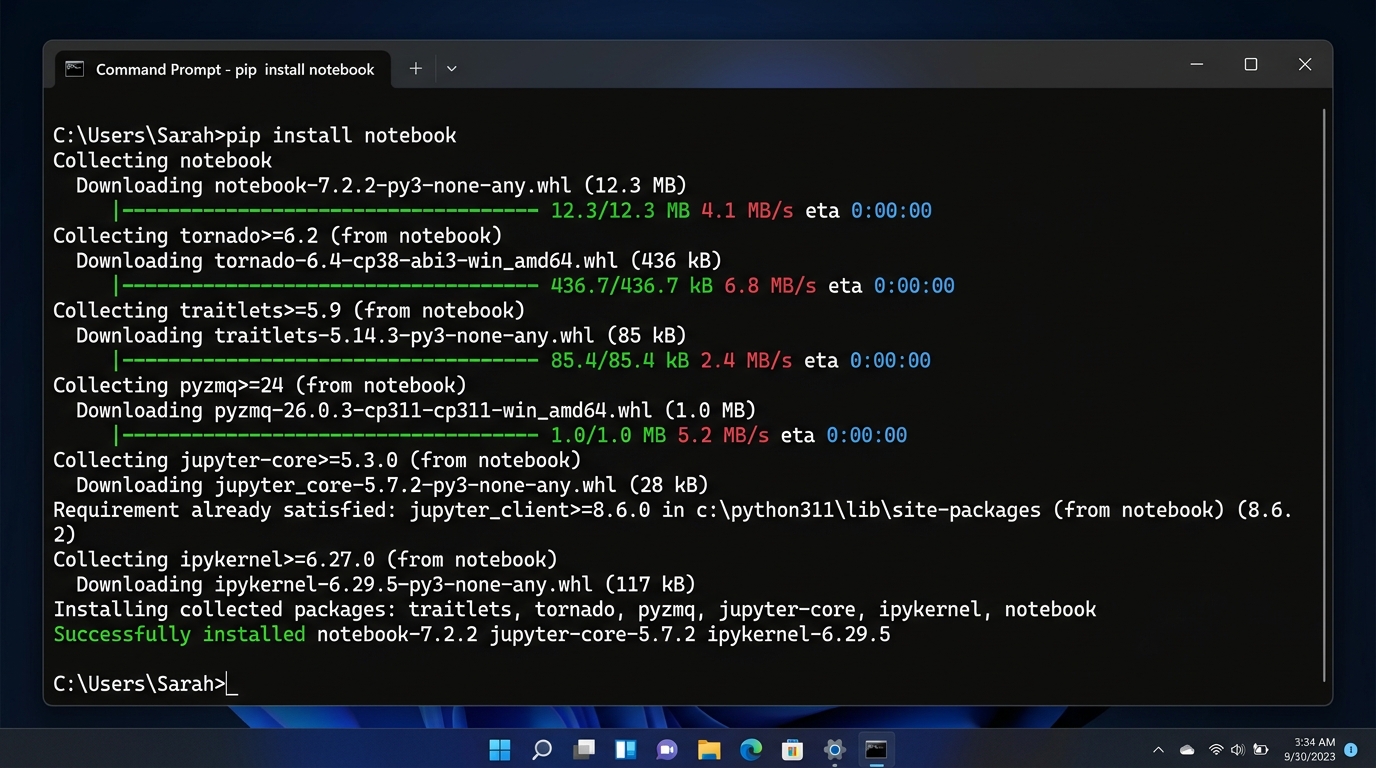
Step-by-Step Setup & Launch Guide
Downloads and sets up the Jupyter core engine and interactive web server.
Opens the local dashboard at localhost:8888 in your default browser.
PyCharm (Community Edition)
Developed by JetBrains, PyCharm is a dedicated Python IDE. The Community Edition is 100% free and open-source.
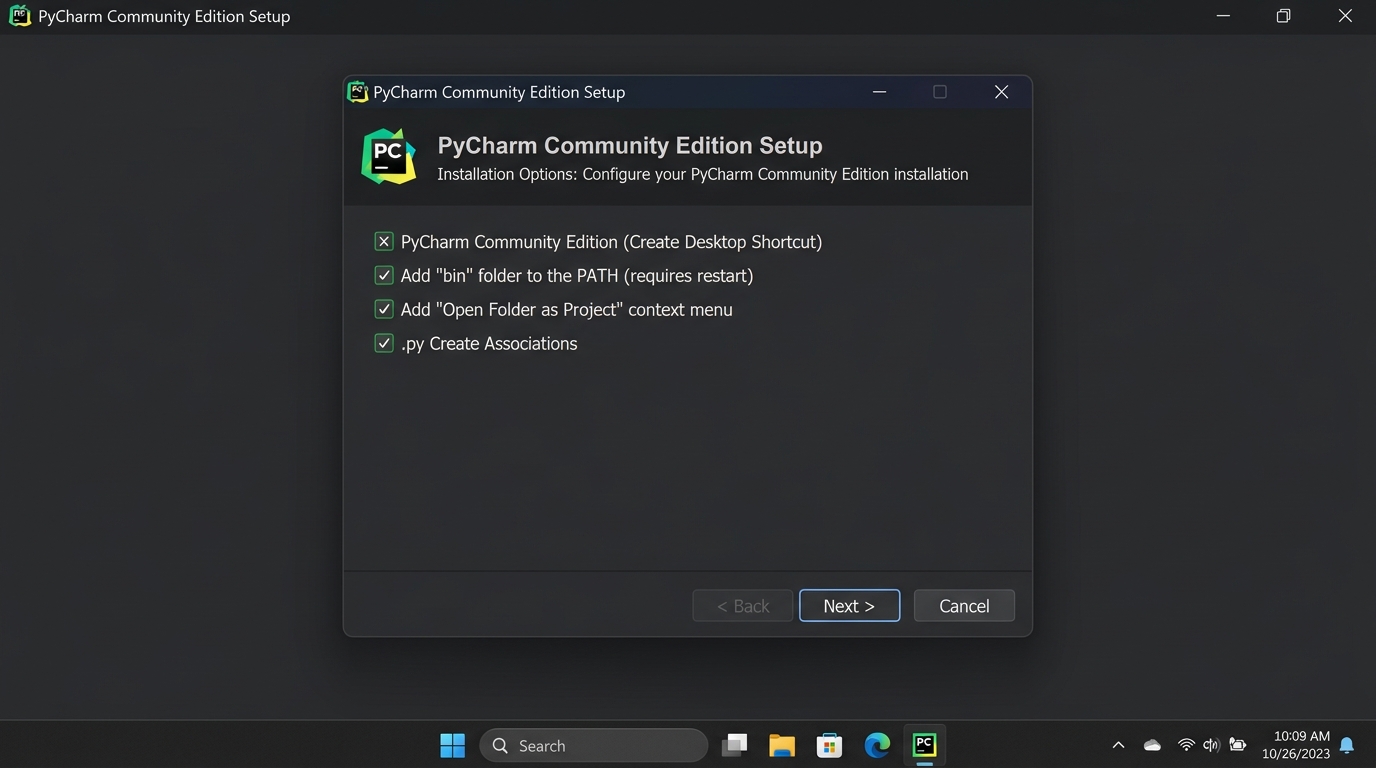
Step-by-Step Setup Guide for PyCharm
Download the free Community installer from jetbrains.com/pycharm.
Enable "Add bin folder to PATH" and ".py Create Associations".
Create a New Project; PyCharm automatically generates a clean isolated virtual environment (venv).
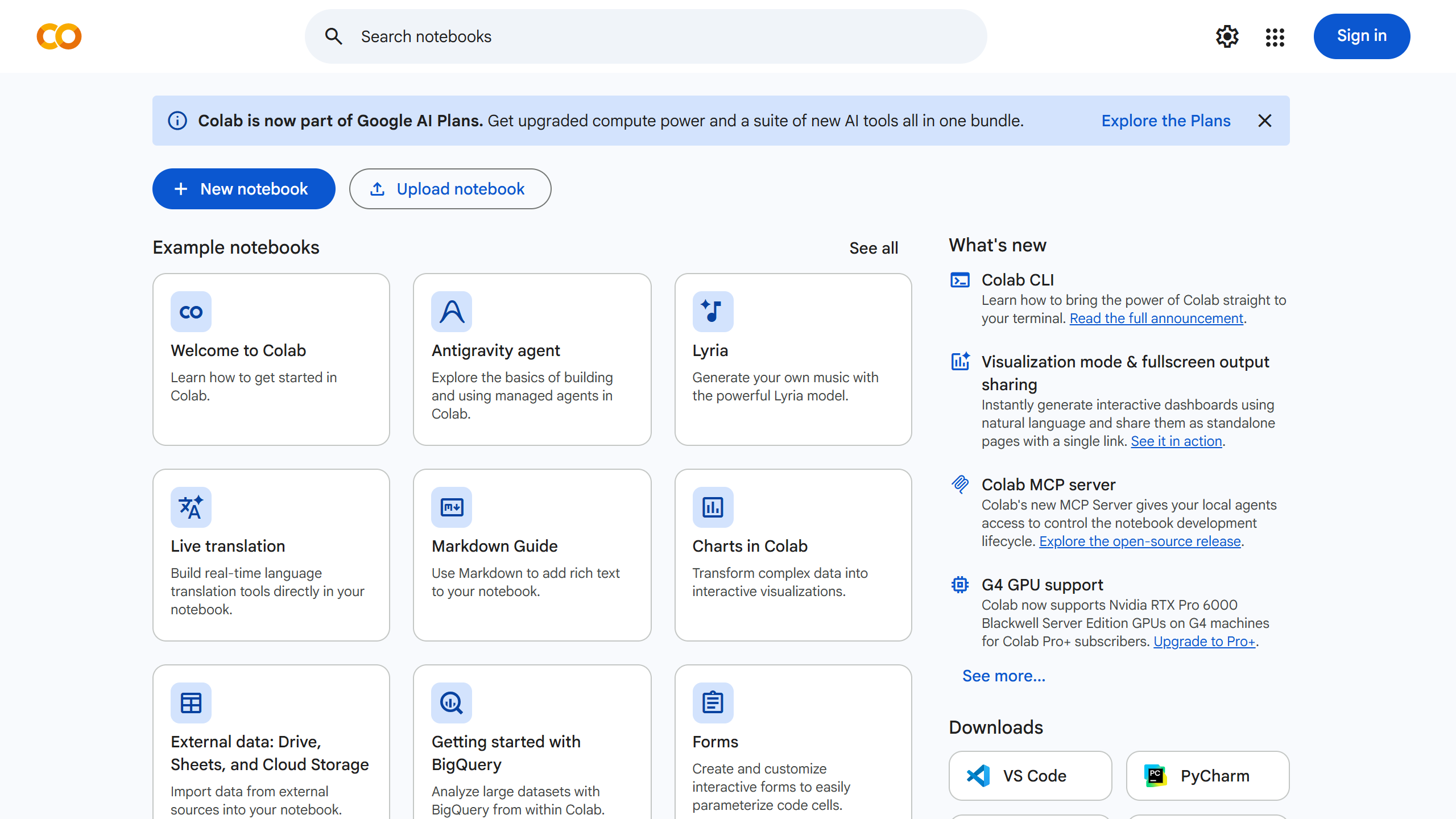
Google Colaboratory (Google Colab)
Google Colab runs directly in your web browser with zero local installation. It provides free cloud computing and easy sharing for pharmacy practical assignments.